Having a backup phone number in a user’s account provides a few advantages:
- Users with the Forgot password feature enabled can reset their passwords themselves.
- Two-factor authentication via SMS can be used.
Set a Backup Phone Number for a User
- Navigate to login.venn.com and sign in with valid credentials.
You may be required to verify the sign-in by completing the multi-factor authentication on your mobile device. - Click Company admin or Manage > Company admin.

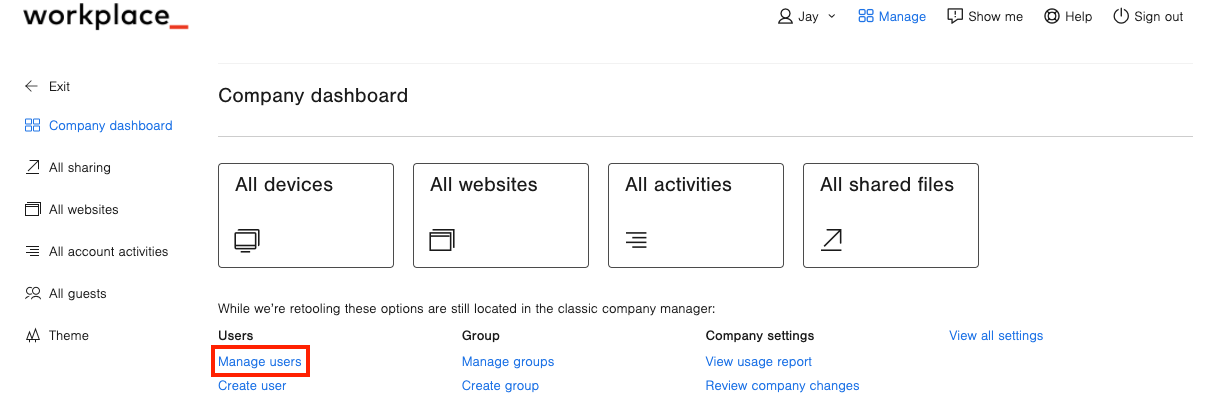
- Click Manage users.
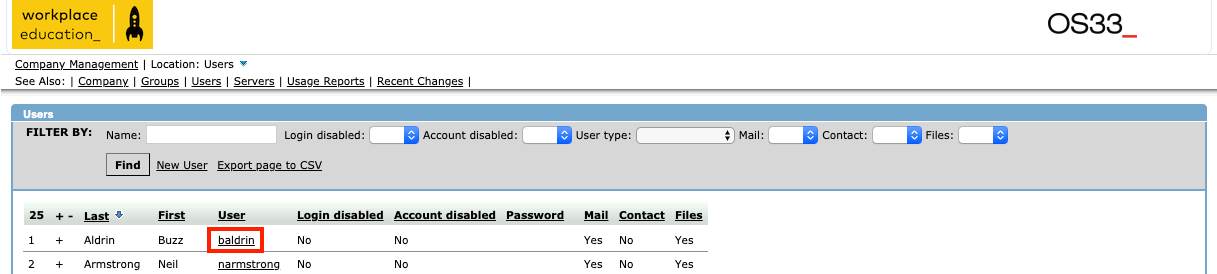
- Click on the user's name.
- Click on Security options.
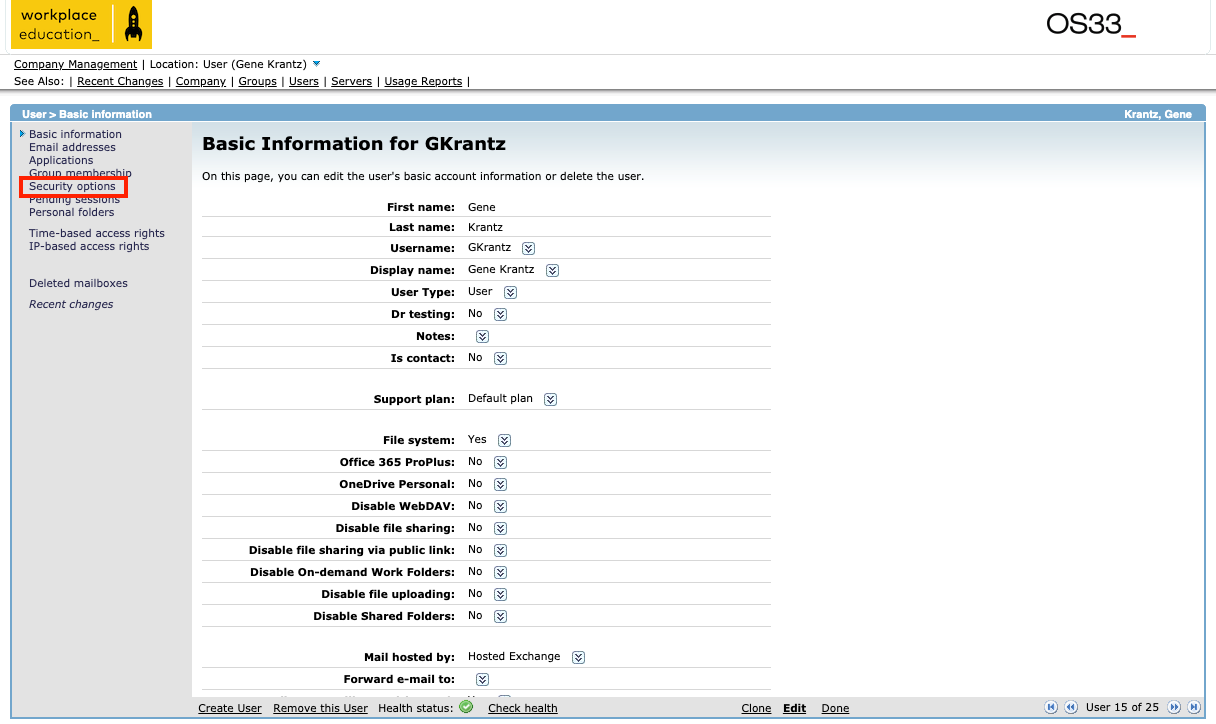
- Click Edit at the bottom of the page.
- Enter a Phone Number next to Registered mobile phone:
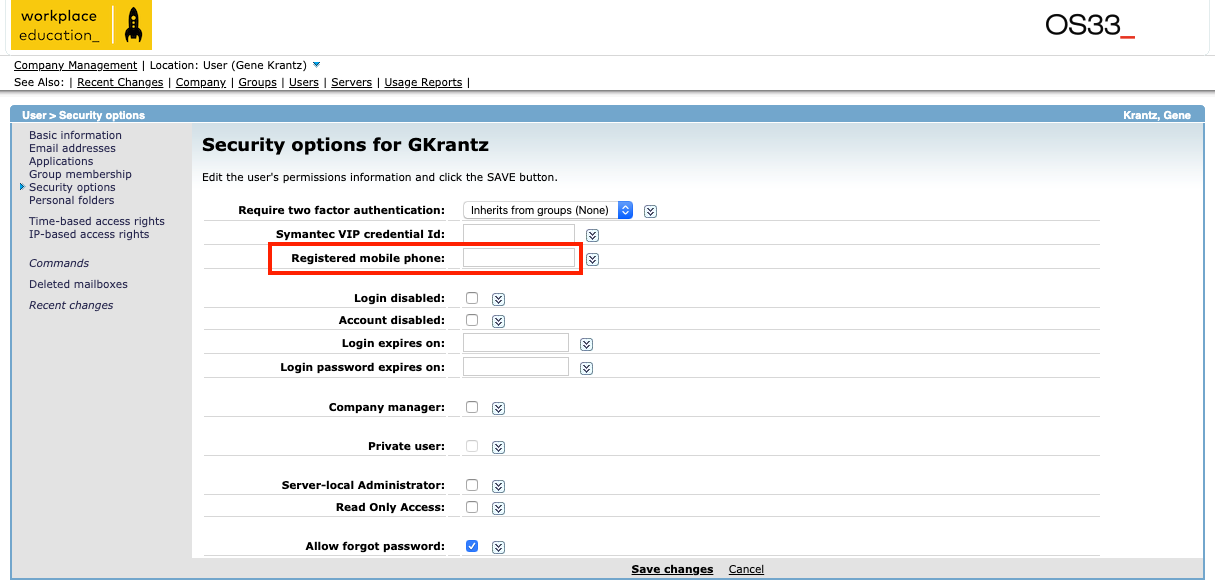
- Click Save changes at the bottom of the page.